
KATSEYE0:21
TIKTOK INSPIRATION. A PERSONAL TWIST.
AI video effects.
Same trend. Your version.
Discover the TikTok videos you want to make your own.
Swap in your face. Change the music. Make the moment yours.
Video face swap Your soundtrack One video, one template
THE VIDEO COMES FIRST
Find a moment. Picture yourself in it.
Explore real creator videos that inspire our approach to AI video effects. Watch a reference, then imagine your own face and soundtrack in the scene. For a photo-to-dance workflow, explore Supalonely AI Dance and review its input requirements and current availability.
30 references shown
Template tools are in preparation
Creator references, not our generated results. This selection comes from TikTok’s 2025 reporting; it is not a live ranking.
A FAMILIAR VIDEO. SOMETHING OF YOUR OWN.
Two changes.
A whole different feeling.
AI video effects for the TikTok moments you love, with face swap and music at the heart of the experience. Creation tools will live on each video’s own page.
FACE SWAP01 / THE FACE
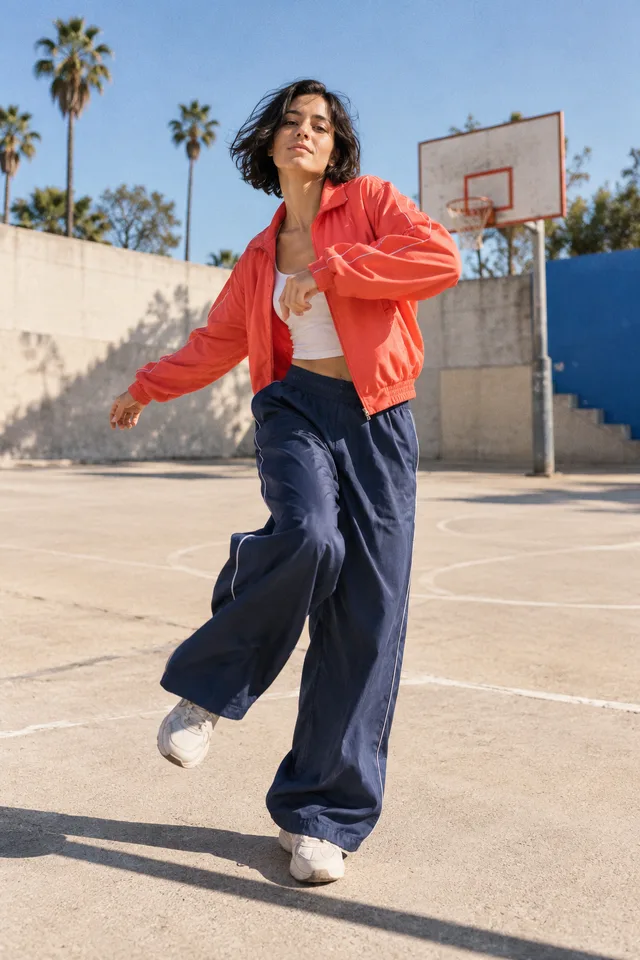

Your face. Their kind of energy.
Put yourself in the moment.
A familiar dance, a perfectly timed reaction, a scene you can already picture yourself in. A video face swap changes facial identity while keeping the reference performance as its starting point. Our focus for AI video effects is this personal remake: choose a specific clip, bring a clear photo, and understand the intended result before you commit. Each future template page will explain which face can be changed and show a tested example. Clothing, body movement, and camera direction are separate from the face itself, so a selfie is not a promise of a whole new performance.
- A clear face photo
- A specific video template
- An example to compare
MUSIC02 / THE FEELING
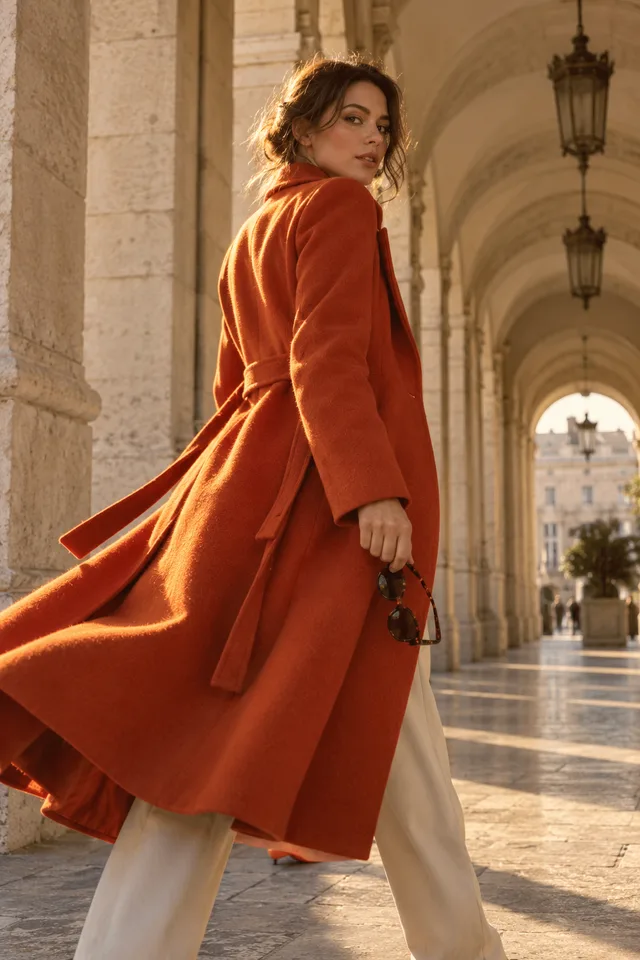
Your kind of sound.A new track. A different mood.
Same moment. Your soundtrack.
Make the sound feel like you.
Music changes how a short video feels, from a quiet reaction to a beat-led reveal. The planned music controls keep that choice simple: retain the original sound, mute the clip, or replace the complete audio track with music you can use. These AI video effects are about personalizing a recognizable moment, and the soundtrack is part of that choice. Each video template will explain its available audio choices before you start creating. Keeping dialogue while changing only the background music is a different editing task and is outside the first version of this workflow.
- Keep the original sound
- Choose silence
- Replace the audio track
FROM “I LOVE THIS” TO “THAT’S ME”
One idea. Your own take.
Discover AI video effects here. Make the video on its dedicated template page when that tool is available.
Find your video.
Browse the references, watch the original, and choose the kind of moment you want to make your own. Each published template will lead to its own production page.
Make it personal.
On the template page, add the requested photo and review its music options. Supalonely uses its included soundtrack and accepts an optional background image.
Review. Then share.
See the cost before generation. When the video is ready, check the face, timing, and music from beginning to end, then download the version you like.
The showcase is free to explore. Supalonely AI Dance has its own photo upload, optional background, guest checkout, and download page. Other templates show their current availability.
A LITTLE INSPIRATION GOES A LONG WAY
Good AI video effects
start with a good idea.
A dance you love. An expression that makes you laugh. A soundtrack that changes the mood. Start with what makes the moment work.
 CREATIVE DIRECTION
Find your rhythm.
Notice the timing, the face angle, and the beat before choosing a dance reference.
 CREATIVE DIRECTION
Keep the playful part.
A memorable expression or a comic pause can be the whole reason a short clip works.
 CREATIVE DIRECTION
Let the music do more.
For a pet clip, changing the soundtrack can be the personal touch. A face swap is not always the right edit.
Original AI concept illustrations above, used to explain creative directions. They are not face-swap results.
01Start with a moment you actually like.
Look past the view count and watch the clip itself. A strong reference might work because of a single expression, a pause before the beat, or an easy-to-read camera angle. Choose the part you would enjoy putting your face into. AI video effects are easier to judge when the intended change is clear. Compare the source with any available remake example, especially during turns and fast movement. A popular song can inspire many different videos; the song's success alone does not tell you whether a particular clip will make a good face-swap template.
02Give your face a clear starting point.
Prepare a sharp photo with one visible face, even lighting, and a natural expression. Avoid sunglasses, strong beauty filters, and hands covering your features. Match the reference angle where you can: a front-facing portrait gives less information about your profile. Reliable AI video effects depend on what the input actually shows. The production page should explain any template-specific requirements before you upload. You do not need to prepare a complicated prompt to browse this collection. Start with the video you want, then follow the photo instructions for that particular remake.
03Choose music that fits the cut.
Listen for the moment the movement lands, then decide whether your new track supports it. Replacing sound can change the mood without changing the picture, but an unrelated beat may make the same edit feel out of time. Use music you own or have permission to include in your version. AI video effects do not provide a music license. Before publishing, listen to the entire clip and check the beginning, ending, volume, and any sudden cutoff. Remember that replacing the whole audio track also removes speech and sound effects mixed into that track.
04Check the whole video before you share.
Watch your result once without sound, then once with your chosen music. Look at identity during head turns, frames where hair or hands cross the face, and moments when other people enter. A convincing first frame cannot tell the whole story. Review AI video effects at normal playback speed as well as at difficult moments. Check the crop for the platform you plan to use and leave room for captions or interface overlays. Share a personal remake thoughtfully, with the permissions needed for the footage, the people represented, and the soundtrack.
BEFORE YOUR FIRST REMAKE
AI video effects,
explained.
What to expect from the collection, the face-swap workflow, and your own soundtrack.
What are these AI video effects for?
Make a personal version of a TikTok-style video by changing the face and soundtrack. The homepage introduces the idea and video references. Photo input, editing, generation, and download belong on each template's production page.
Can I make a video here right now?
Yes. Open Supalonely AI Dance to upload a person photo, optionally choose a background, and create a video with the included dance and music. This homepage remains a reference collection; other templates show their own availability.
What photo should I use for a face swap?
Choose a clear, well-lit photo of one face without sunglasses or heavy filters. A similar camera angle helps. AI video effects cannot recover every hidden feature. Each production page will explain its particular input requirements.
Will I be able to change the music?
Music is one of the two core features being developed: keep the original audio, mute it, or replace the whole track. Use music you have permission to include. Separating dialogue from background music is outside the initial scope.
Are these AI video effects free?
Browsing references is free. Supalonely AI Dance costs US$9.99 per complete video with its matching music. Each template shows its price before payment. Free generation, watermark removal, and other output resolutions are not promised here.
Can every reference become a face-swap template?
No. Public viewing does not grant permission to edit a clip. AI video effects also need suitable footage and inputs. Creator credits preserve the source; each production template needs usable material and a tested remake example.
Are these the latest TikTok trends?
This dated editorial selection draws from TikTok's 2025 trend reporting. It is not a live ranking, and historical numbers describe the cited period. AI video effects and tested templates will be organized around specific video ideas.
Where do I generate and download my video?
Generate and download on the Supalonely AI Dance page. The homepage helps you discover AI video effects and choose an idea. Each available template keeps its input requirements, price, progress, and result together.
Your next TikTok starts
with “what if that was me?”
Explore AI video effects through the videos that inspire them.
Your face. Your soundtrack. Your version.